Real-size printing made simple.

Easy, accurate scaling and simple tiling for photos, documents, plans, patterns, and oversized templates.

  • Easy, accurate scaling
  • Simple tiling
  • Photos, plans, patterns, and templates

Made for makers by makers.

MarkOut bridges the gap from CAD model to the real world.

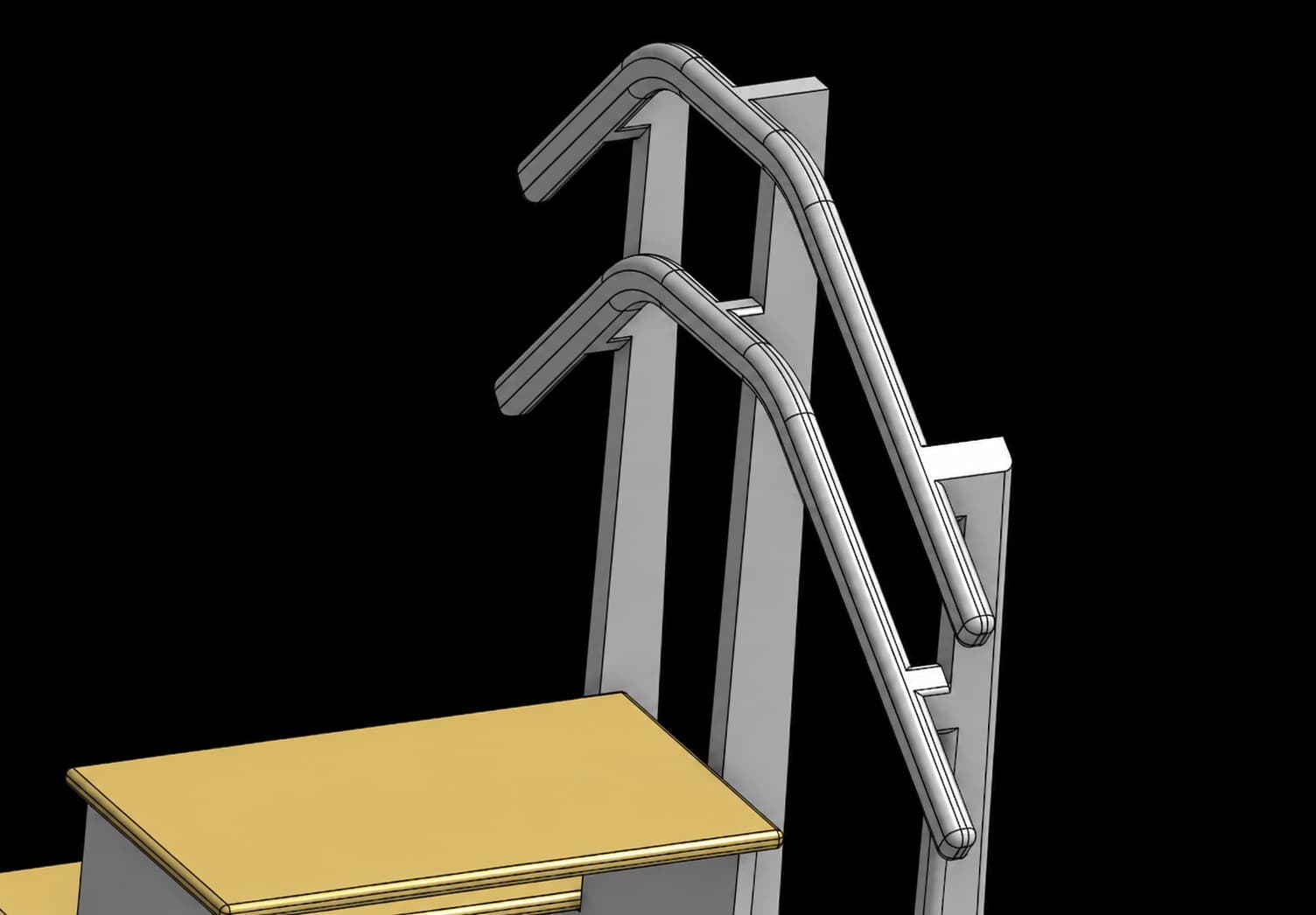
CAD model of a stair handrail and step template project
1Start with a model
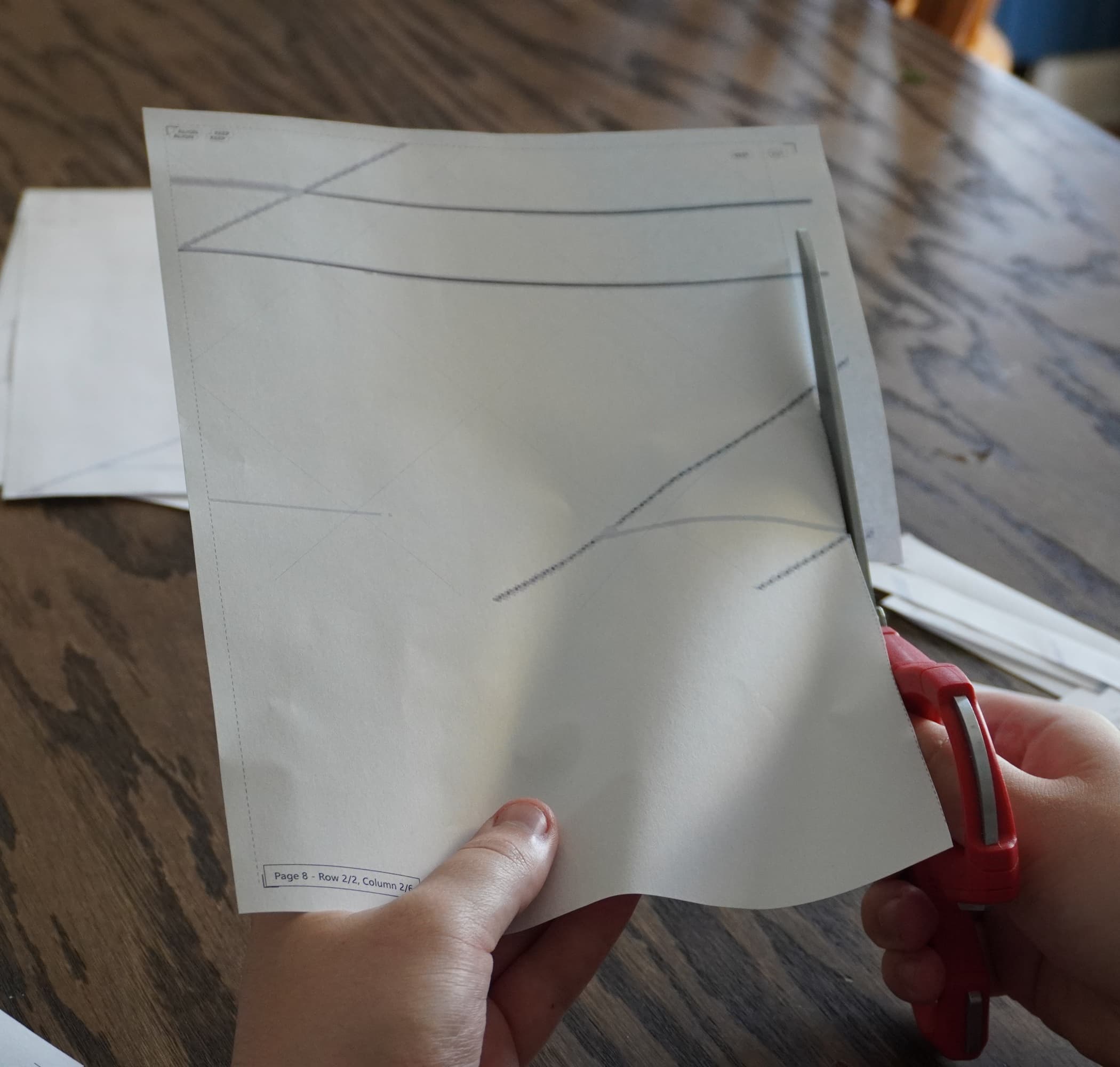
Printed paper template being cut with scissors
2Print and assemble template
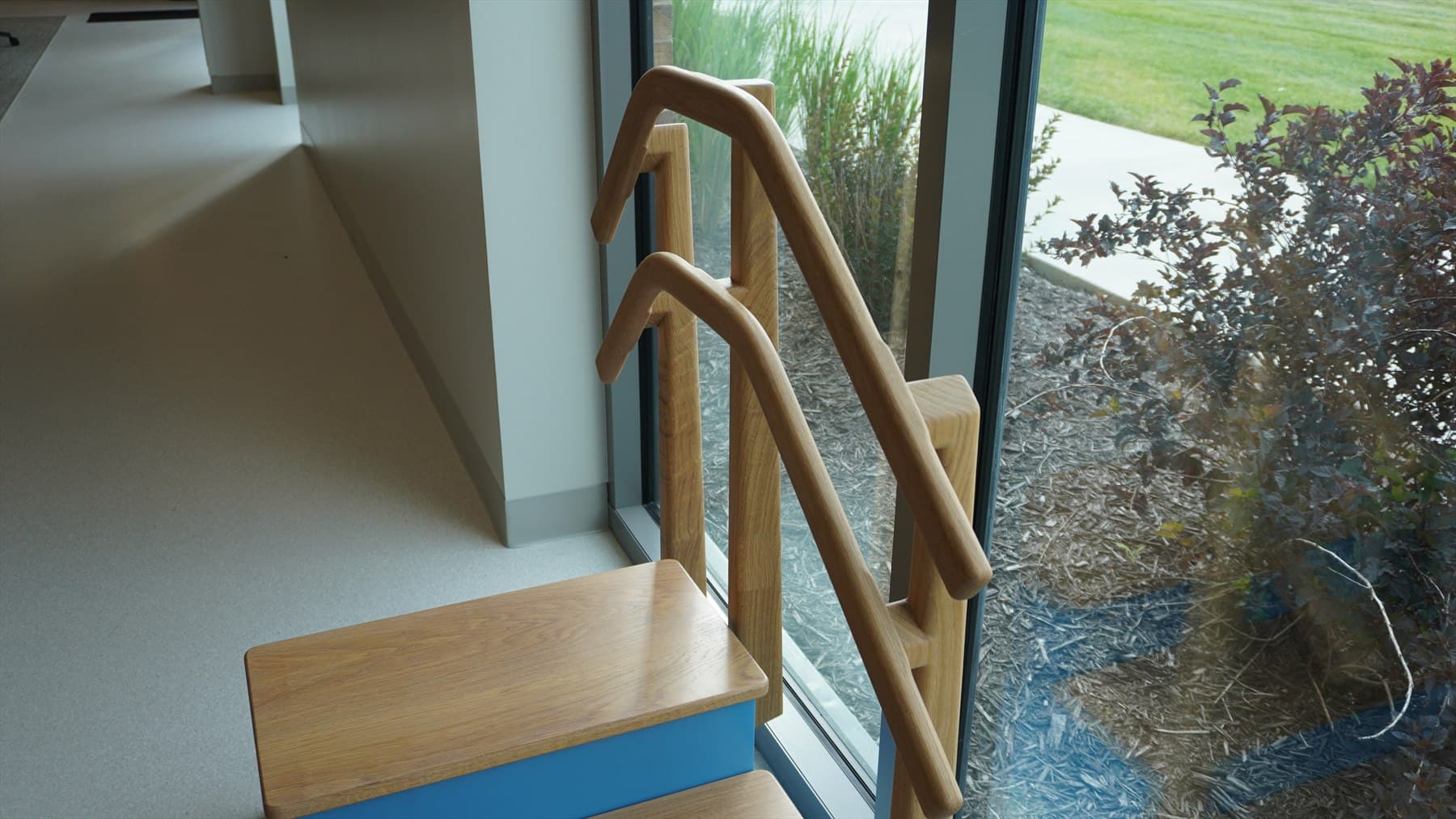
Finished wooden stair handrail project installed beside a window
3Kickstart your project
Document mode

Your documents,
ready when you are.

Bring a handout, a set of instructions, or a project plan into MarkOut. Check each page, then print when it looks right.

  • Keep every page together

    Open a PDF, Word file, or image and move through the whole document in order.

  • See how it will fit

    Choose paper size and orientation, then check the preview before printing.

  • Print now or save it for later

    Send it to your printer or save a PDF to share and use another time.

PDFDOC / DOCXImages
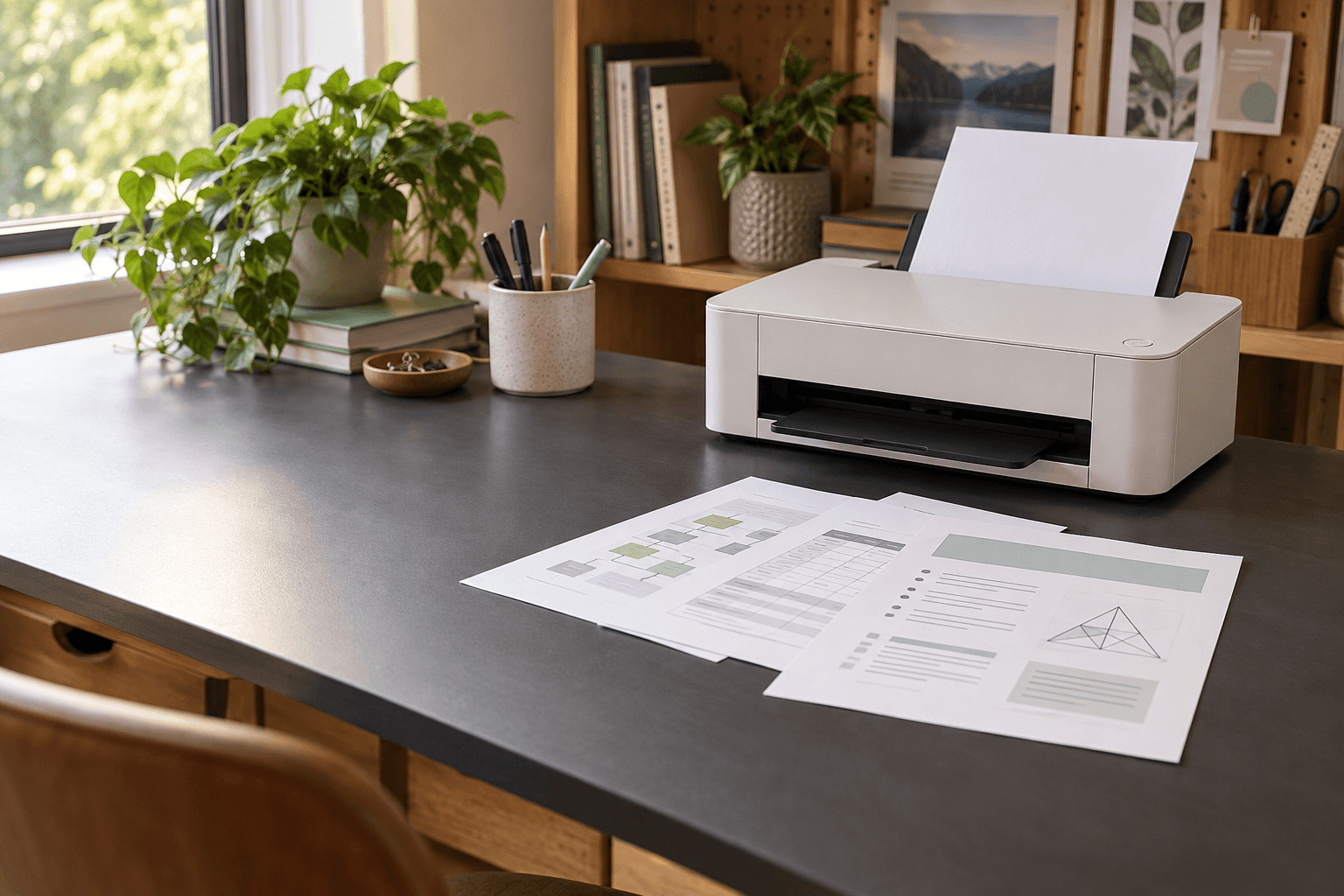
Illustrative home office with a compact printer and a three-page document laid out on a desk
Notes, handouts, and instructions. Illustrative image.

Print in four steps.

1

Choose a file

Add photos, PDFs, DOC, or DOCX files.
2

Set the size

Pick paper, scale, layout, and color.

3

Check pages

Preview placement and tile order.

4

Print or save

Send it to the printer or save it.

Start printing with MarkOut.